 Easy BeezyApp StoreGoogle PlayRuStoreInstall
Team
What's in an employee's card
The employee's card shows how they're doing: appointments and sales, payouts, schedule, services and reviews.
Step by step
- 01
Team list
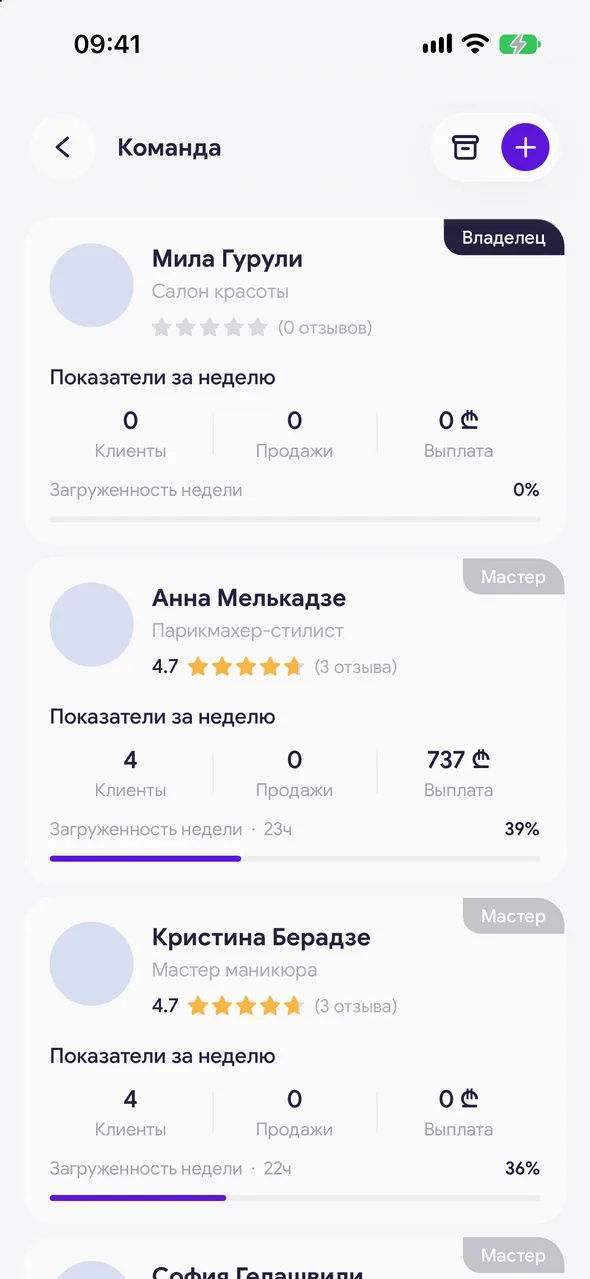
«Profile» - «Team». Each master in the list has «This week»: «Clients», «Sales», «Payout» and «Weekly occupancy».
- 02
Open the card
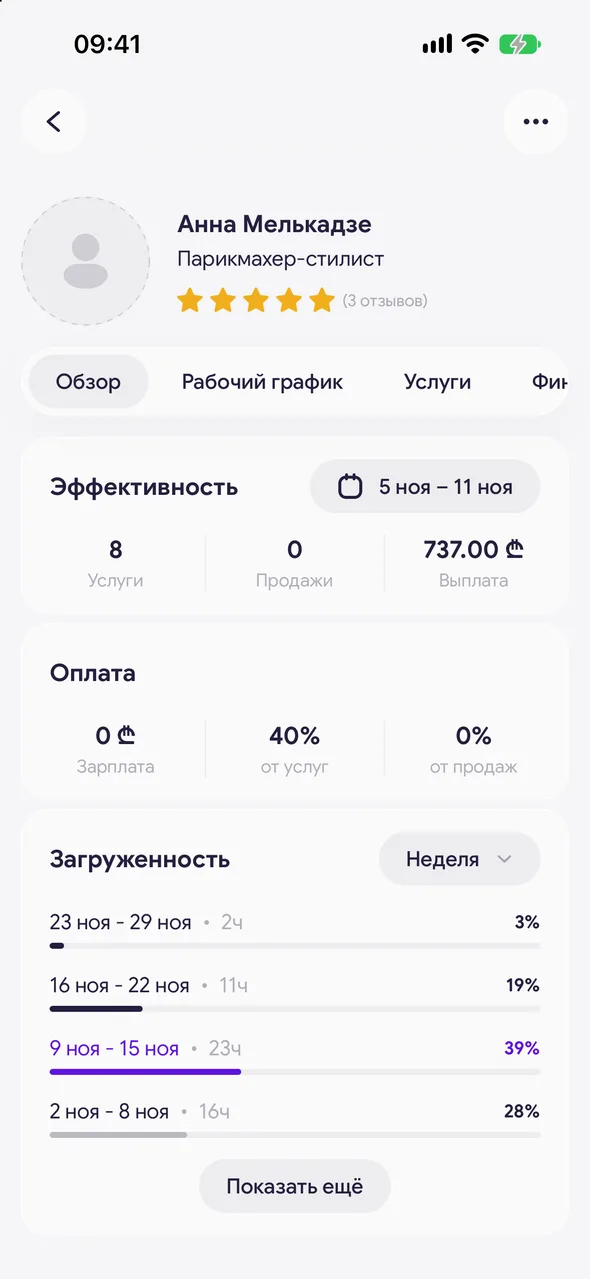
Tap the employee. At the top are the photo, name, specialization and review rating. To set a photo, tap the circle with the photo.
- 03
Card tabs
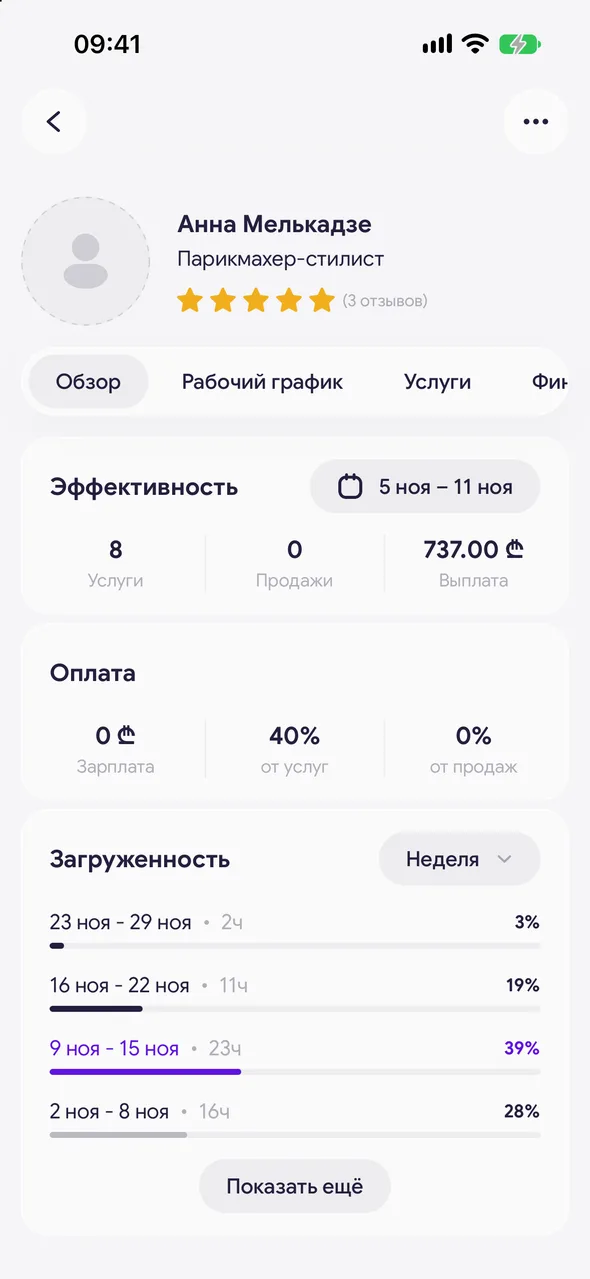
«Overview» - «Performance» and «Pay». «Working hours» - their schedule. «Services» - what they do. «Finance» - earnings and visits for the period. «Reviews» - client reviews.
Good to know
Tapping the «Pay» block opens the employee's settings.
In the «Finance» tab you can open a closed visit and correct it.
An employee with the «No account» role has no schedule, services or reviews tabs - they are set up only for calculations.
See also
Free for a solo master
Try Easy Beezy
Calendar, clients, services and an online booking page - with no time limit. For a salon with a team - 14 days of full access.


