 Easy BeezyApp StoreGoogle PlayRuStoreInstall
Reminders and messages
How to invite a client to book again
The "Time to book" section automatically finds clients who are due for their next visit based on their usual rhythm - and those for whom you have set a date yourself.
Step by step
- 01
Open the section
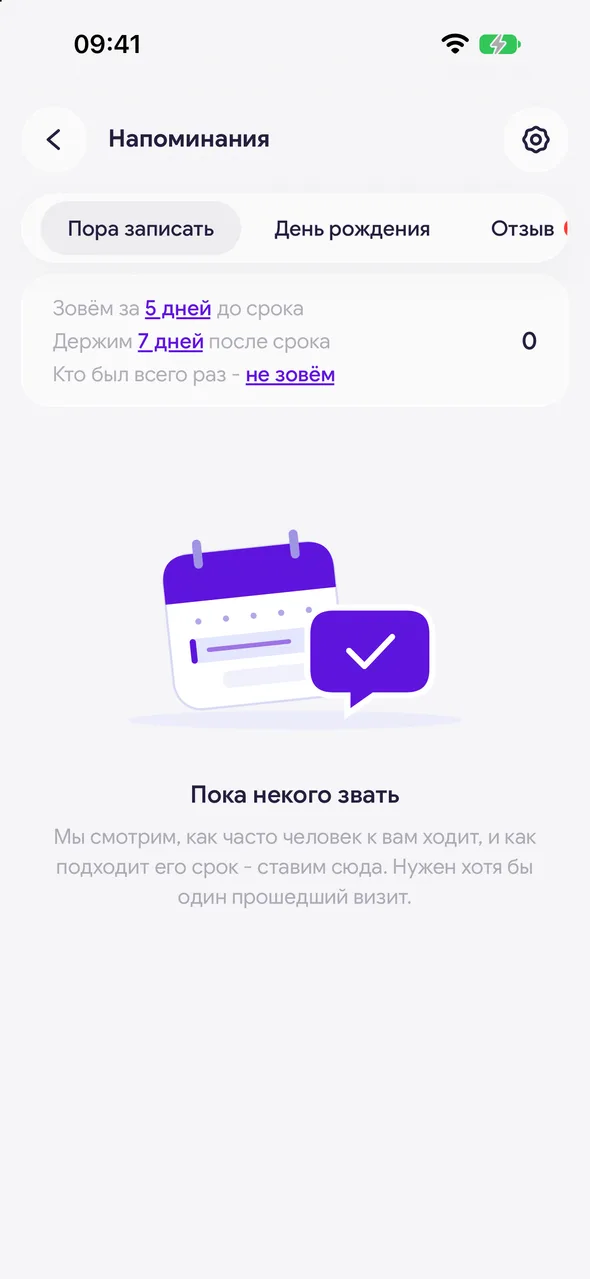
"Reminders" - "Time to rebook". For each client you can see how often they usually come (in days), the date of their last visit, how many days have passed, and which service they had.
- 02
Set the time frames
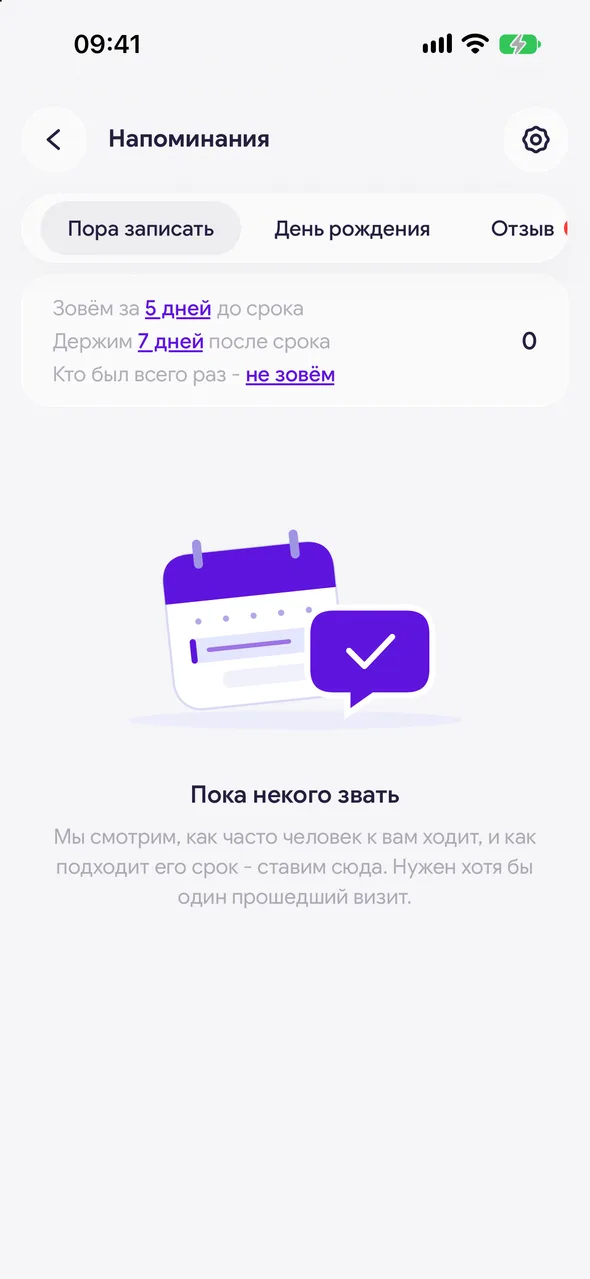
Above the list there are two rows. "Range around the due date" - how many days before the estimated date to reach out and how long to keep the client in the list after it. "Clients with 1 visit" - after how many days to reach out to someone who has visited only once, or "Don't show". Tap a row to change it.
- 03
Set your own date
Agreed with a client on a specific date - tap the calendar icon in the row ("Reschedule") and pick the day. The client will appear in the section exactly then. You can also set your own date in the client card, in the "Time to book" row.
- 04
Write to them
Tap the client: the text contains an invitation and a link to your online booking page. Send it and mark it as sent - the client won't appear here again until their next visit.
Good to know
The rhythm is calculated automatically from past visits. At least two visits are needed for the calculation; clients with one visit are reached out to after the period from the row about those who visited only once - by default they are not contacted.
Your own date takes priority over the estimated one and works even for a client with no visits - it becomes a waiting list. It stops applying automatically once the client books or comes in.
The link to the booking page is included in the text only if online booking is enabled.
Questions and answers
FAQ
How do I remind a client that it's time for a touch-up?
Open "Reminders" - "Time to book". If the client comes regularly, they will appear there automatically when their usual time is due. If you need an exact date, set it with the calendar icon in the client's row or in their card.
See also
Free for a solo master
Try Easy Beezy
Calendar, clients, services and an online booking page - with no time limit. For a salon with a team - 14 days of full access.


