 Easy BeezyApp StoreGoogle PlayRuStoreInstall
Getting started
How to subscribe on Android or on the website
On Android, the subscription is paid by card on the secure lava.top page: it opens in the browser straight from the app. You can do the same on the easybeezy.net website.
Step by step
- 01
Open the plan store
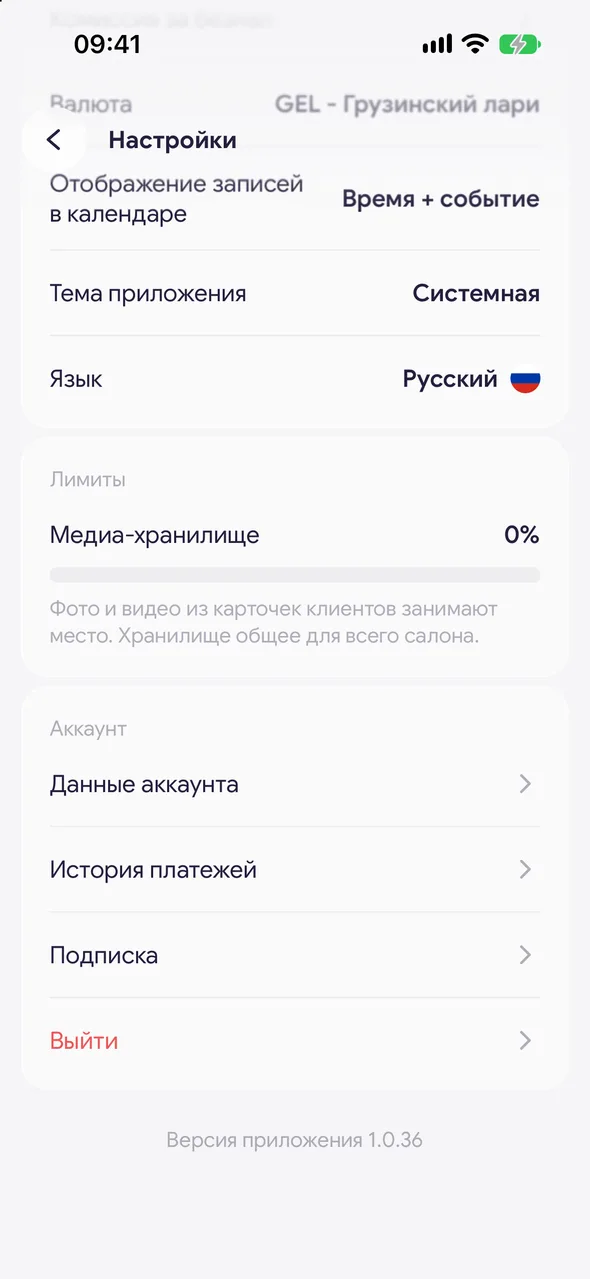
«Profile» - «Settings» - «Subscription», or tap the plan banner under your name.
- 02
Choose a plan and term
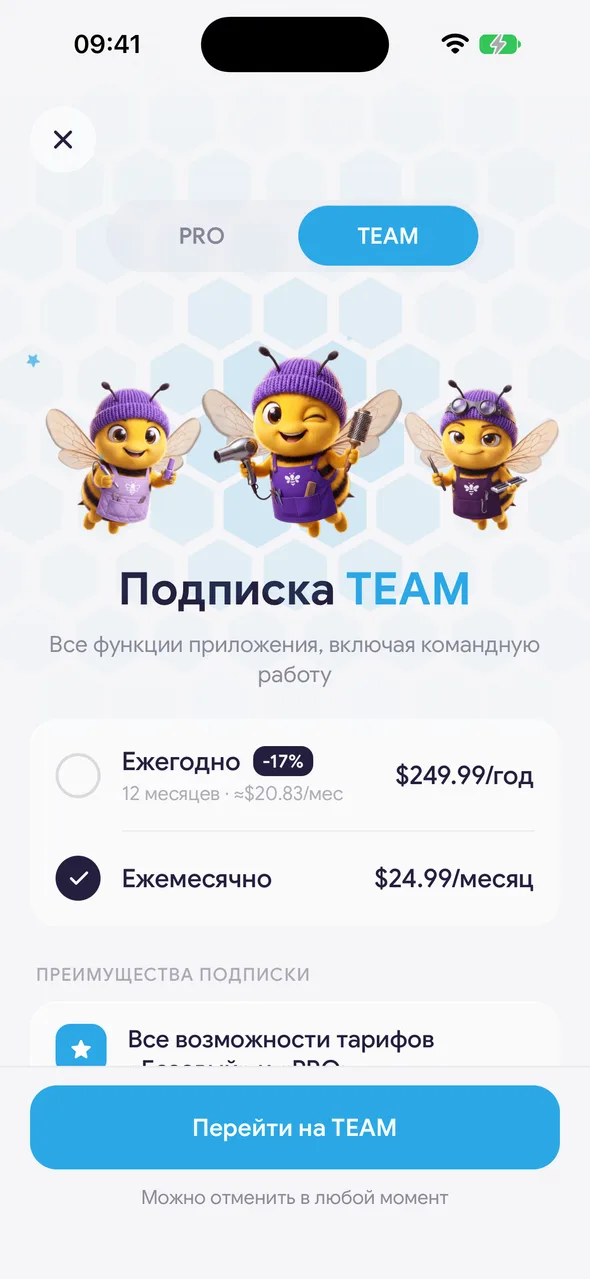
Choose PRO or TEAM and «Monthly» or «Yearly». Tap the button at the bottom of the screen.
- 03
Pay in the browser
The lava.top payment page will open. Enter your card details - they never reach us. After payment, return to the app: the plan activates on its own within a minute.
Good to know
If you haven't used the trial yet, the button on monthly payment first starts 14 days free, no card needed. You can pay at any time.
On the website: open easybeezy.net/pro, sign in with your phone number using the same account as in the app, choose a term and pay. The subscription will be applied to your account.
You can cancel renewal in the app: «Settings» - «Subscription» - «Cancel subscription».
Questions and answers
FAQ
Why isn't payment on Android through Google Play?
Google Play does not accept payments for sellers from our country, so payment goes through the lava.top payment system. The subscription renews automatically and is cancelled in the app.
I paid, returned to the app, but the plan didn't activate.
Wait a minute and open «Settings» - «Subscription». If the plan still hasn't appeared, contact support from the «Help» section.
See also
Free for a solo master
Try Easy Beezy
Calendar, clients, services and an online booking page - with no time limit. For a salon with a team - 14 days of full access.


