 Easy BeezyApp StoreGoogle PlayRuStoreInstall
Settings and account
Where to see your subscription payment history
All subscription payments with date, term and status are collected on one screen.
Step by step
- 01
Open the history
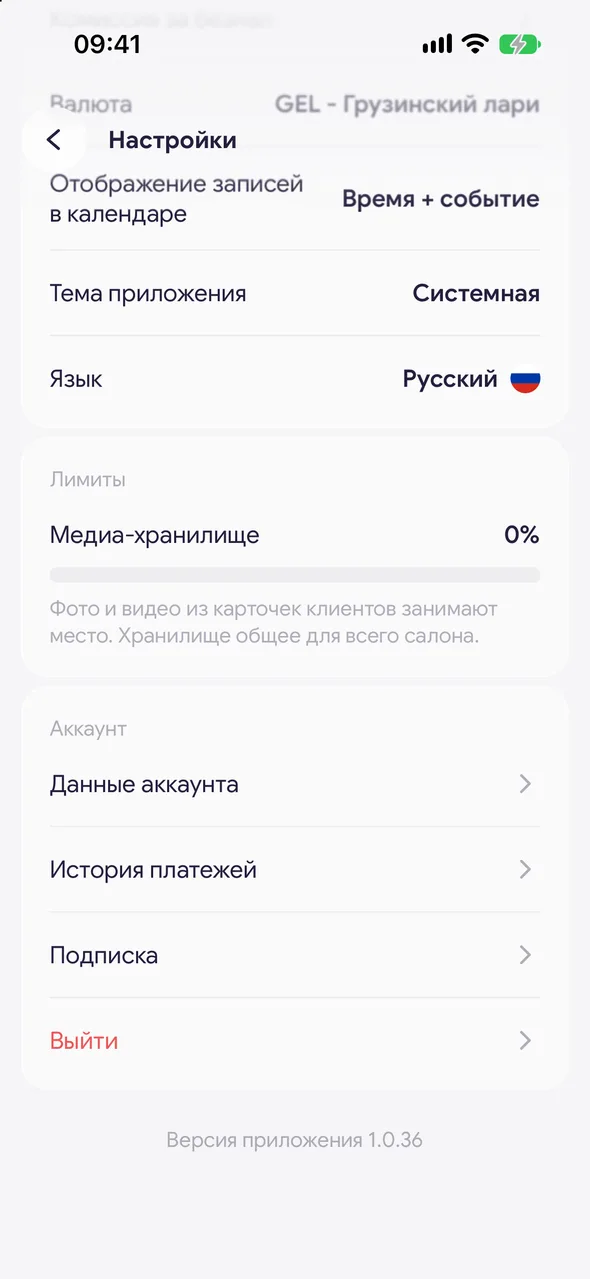
"Profile" - "Settings" - in the "Account" group, tap "Payment history".
- 02
Review the payments
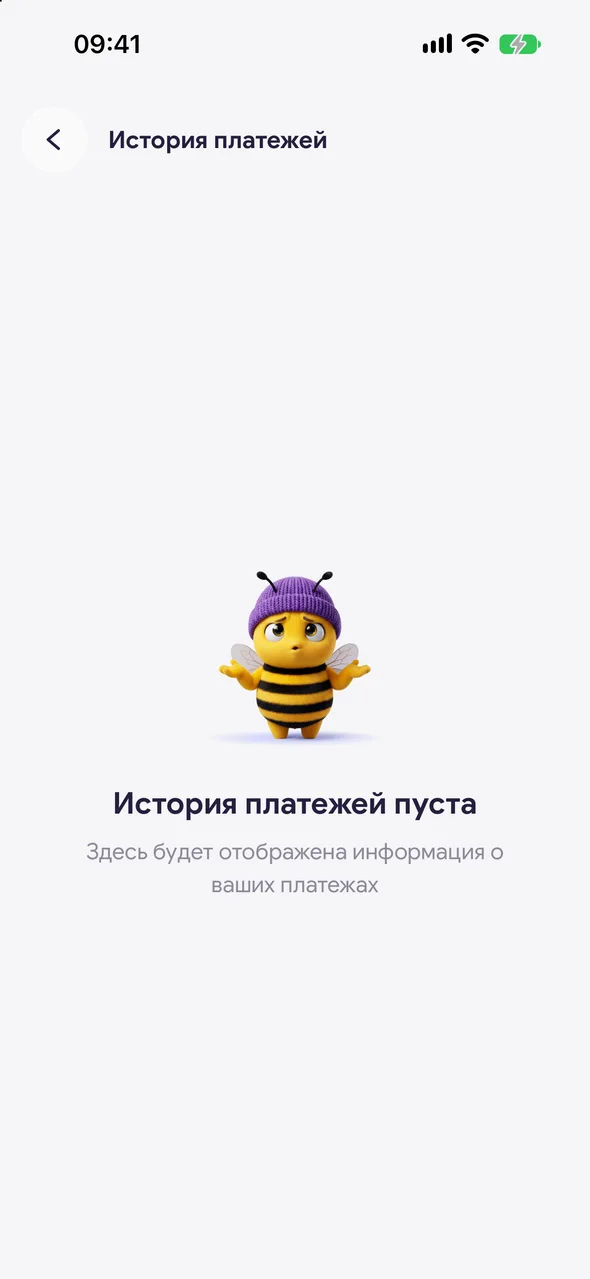
Each payment shows the amount, subscription term and status: "Paid", "Failed" or "Refund". Until there are payments, the screen is empty.
Good to know
!
Only the calendar owner sees this row - salon staff don't pay for the subscription.
See also
How to subscribe on Android or on the websiteOn Android, the subscription is paid by card on the secure lava.top page: it opens in the browser straight from the app. You can do the same on the easybeezy.net website.How to cancel your subscriptionAfter cancellation, the plan works until the end of the paid period, then it turns off. Your data is not deleted.
Free for a solo master
Try Easy Beezy
Calendar, clients, services and an online booking page - with no time limit. For a salon with a team - 14 days of full access.


