 Easy BeezyApp StoreGoogle PlayRuStoreInstall
Getting started
How to sign in to Easy Beezy
You can sign in with your phone number and an SMS code, or via Apple, Google, Yandex and VK ID. No password needed.
Step by step
- 01
Browse the introduction
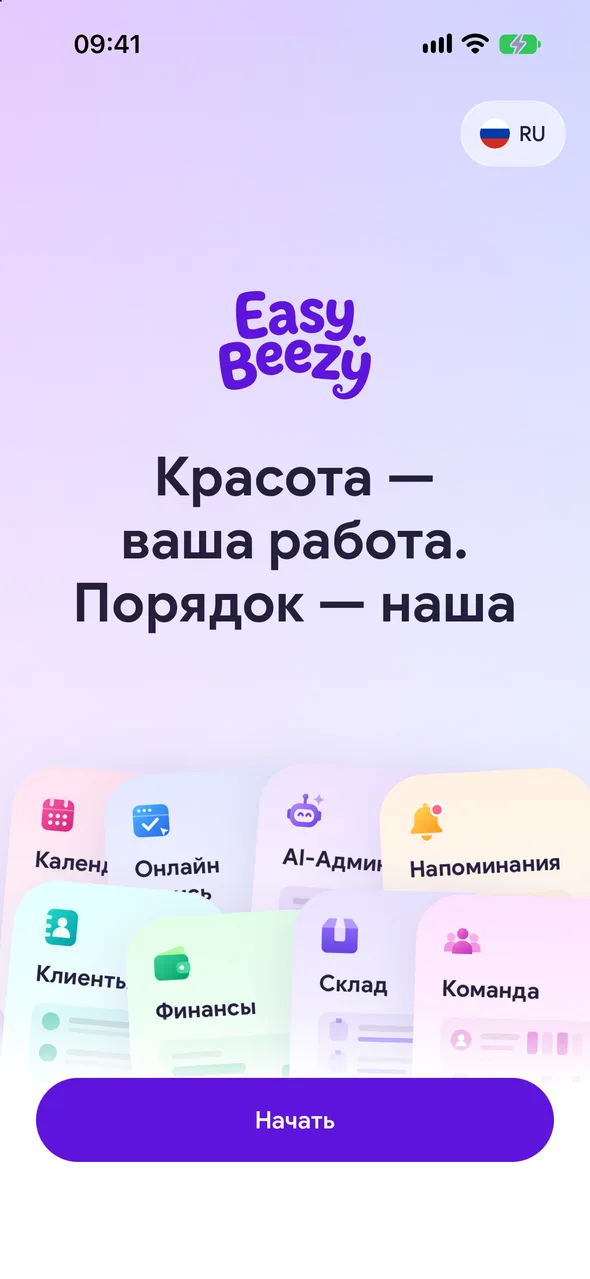
On first launch, the app shows cards with sections: Calendar, Online booking, AI admin, Clients and others. Tap a card to read more, or tap «Get started» right away.
- 02
Enter your phone number
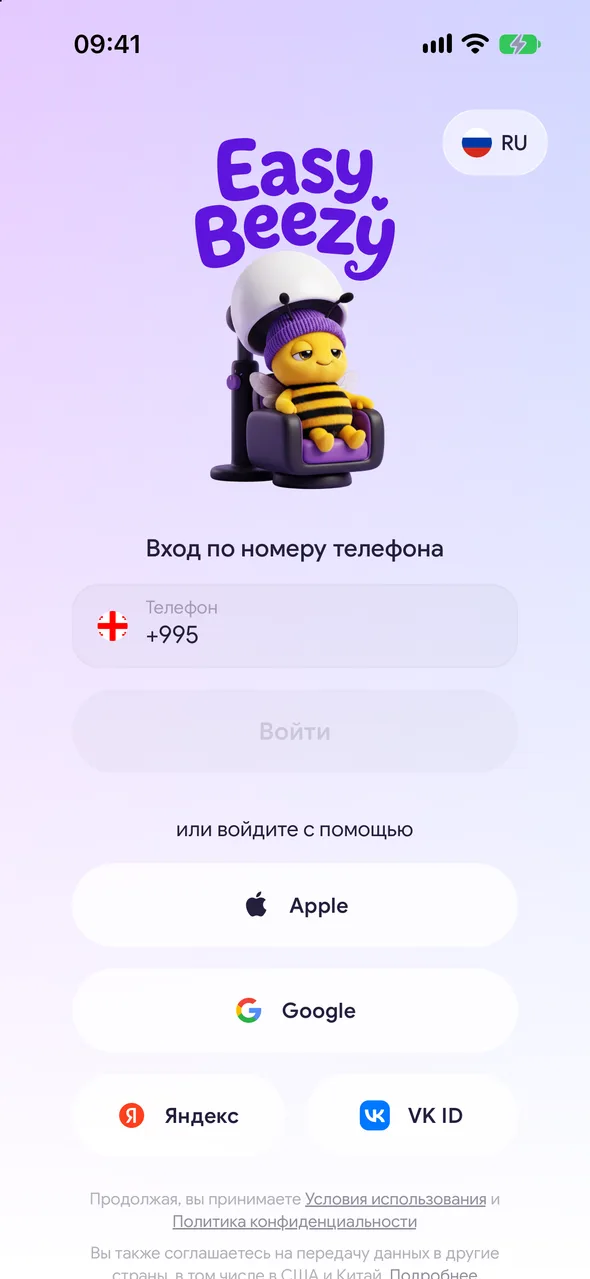
In the «Sign in with your phone number» block, select the country code, enter your number and tap «Sign in». You will receive an SMS with a code.
- 03
Enter the code
On the «Phone verification» screen, enter the code from the SMS - it will be verified automatically. If the code does not arrive, after 3 minutes the «Resend» button will appear.
- 04
Or sign in with an account
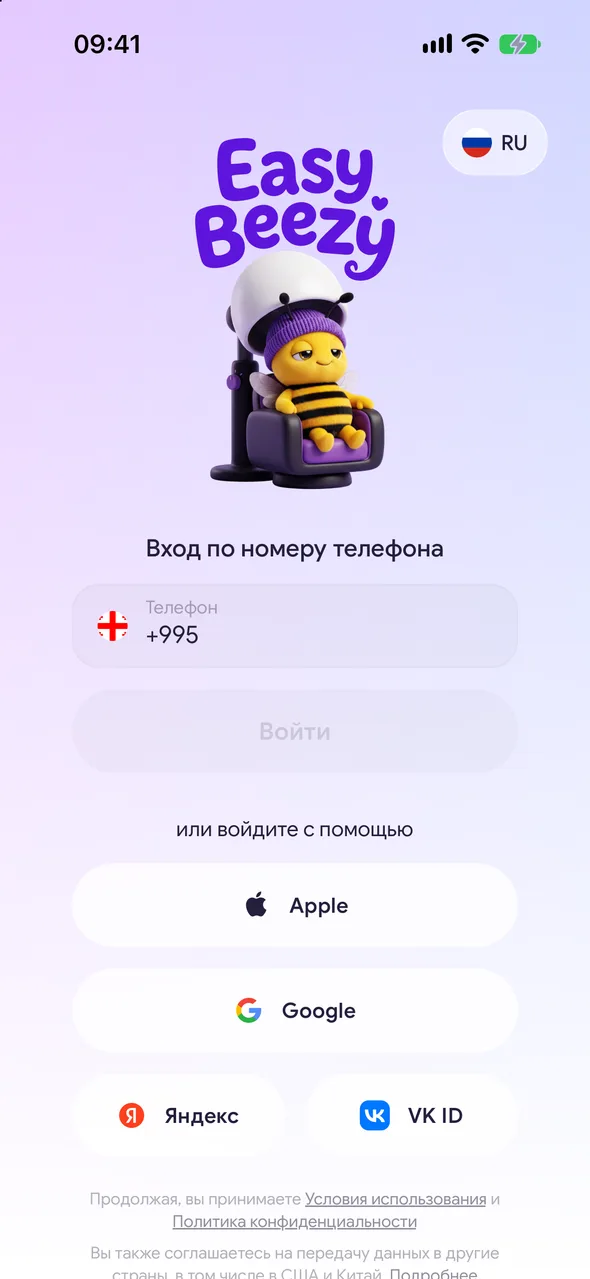
Below, under «or continue with», there are buttons for Apple (iPhone only), Google, Yandex and VK ID. Tap the one you need and confirm sign-in in the service window.
Good to know
If you are signing in for the first time, registration will start after sign-in: choosing a role and a few questions about you.
On Android without Google services, there is no Google button - sign in with your phone number.
You can link several sign-in methods to one account: phone number, Google, Apple. This is done in settings under «Account info».
The introduction cards are shown once before sign-in. If you close the app on them, they will appear again on the next launch.
Questions and answers
FAQ
Do I need to create a password?
No. Sign-in is via SMS code or through Apple, Google, Yandex or VK ID.
I signed in with my phone number, but my data is missing. What happened?
Most likely, you previously signed in with Google or Apple, and the phone number in that account was not confirmed. Sign out and sign in the same way as before, then confirm your number in «Settings» - «Account info».
See also
Free for a solo master
Try Easy Beezy
Calendar, clients, services and an online booking page - with no time limit. For a salon with a team - 14 days of full access.


