 Easy BeezyApp StoreGoogle PlayRuStoreInstall
Getting started
How to join a salon by invitation
An employee joins the salon calendar via a link or QR code sent by the owner. You do not need to create your own salon.
Step by step
- 01
Open the invitation
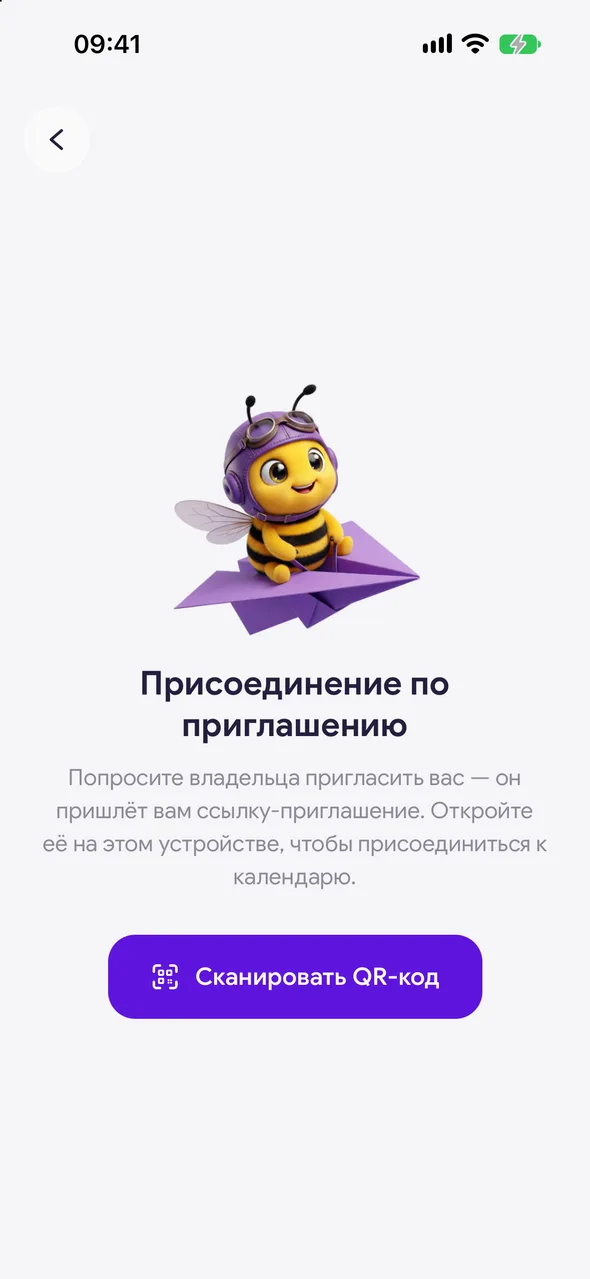
Open the link from the owner on the phone where the app is installed. If you have a QR code, during sign-up select «I was invited» and tap «Scan QR code», then point the camera at the code.
- 02
Accept the invitation
The app will show who is inviting you. Tap «Accept invitation». If you are not signed in yet, sign in first with your phone number or via your account.
- 03
Fill in your profile
On the «Profile setup» screen, follow the steps to enter your name and specialization, and tick the «Working hours» and «Services» you provide. On the last step, tap «Start».
Good to know
The city and currency are taken from the salon settings - you do not need to enter them.
What you see and can do in the salon calendar is set by the owner in your employee card.
If the link does not open or the app says the invitation is invalid, ask the owner to send a new one.
Questions and answers
FAQ
Does an employee need to buy a subscription?
No. The subscription is set up by the salon owner on the TEAM plan and applies to the whole team.
See also
Free for a solo master
Try Easy Beezy
Calendar, clients, services and an online booking page - with no time limit. For a salon with a team - 14 days of full access.


