 Easy BeezyApp StoreGoogle PlayRuStoreInstall
Getting started
How to import your price list and clients during registration
Right after registration, the app offers to upload services and clients from what you already have in a minute: a photo of your price list, a file, a link or phone contacts.
Step by step
- 01
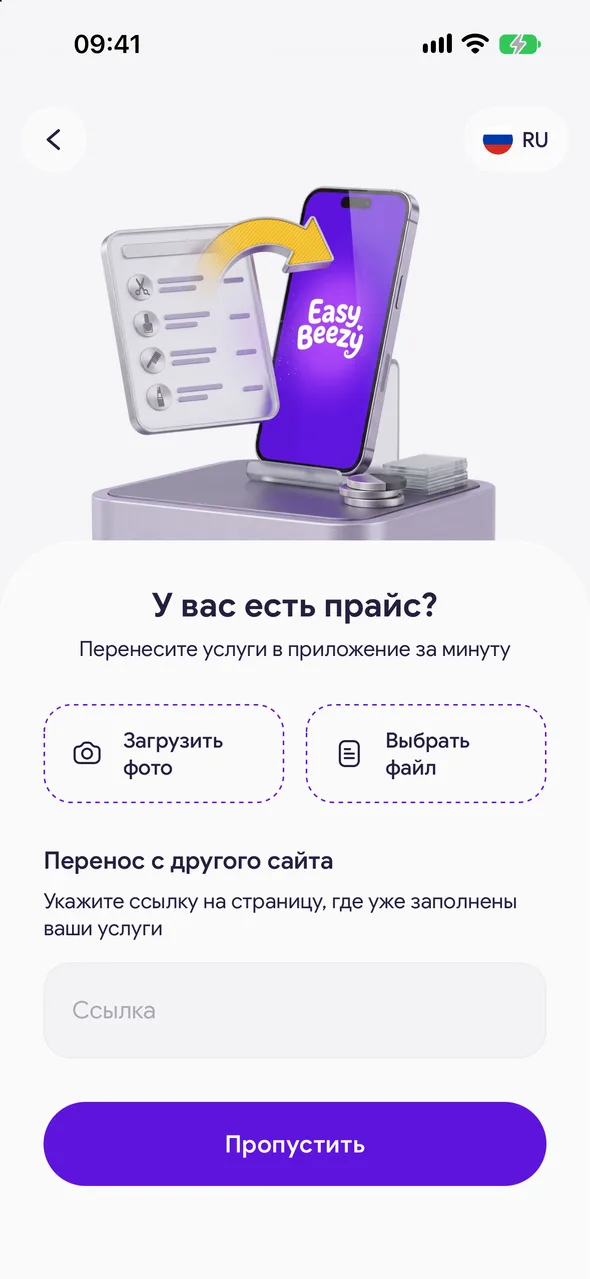
Have a price list?
Tap «Upload photos» and take a photo of your price list, or «Choose a file» to choose a document. If your services are already on another website, paste the link into the «Import from another site» field and tap «Copy price list». The app will extract names, prices and durations automatically.
- 02
Check the services
A line with the number of added services will appear. Tap «Edit» to make corrections, or «Continue». If you do not have a price list at hand, tap «Skip».
- 03
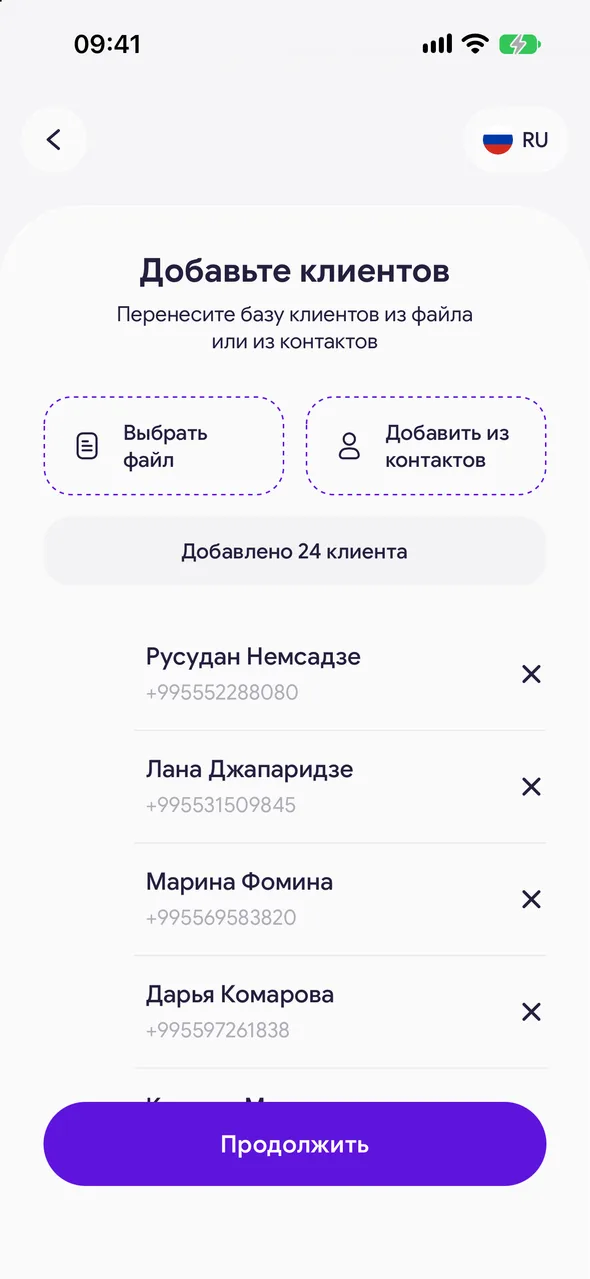
Add your clients
Tap «Choose a file» to upload a client table (Excel, CSV or TXT), or «Add from contacts» to select people from your phone book.
- 04
Allow notifications
Tap «Allow notifications» to receive notifications about new appointments and calendar events. After that, the calendar will open.

Good to know
You can upload up to 5 files or price list photos at a time.
Without a subscription, price list parsing from a file, photo or link is available 2 times, then on the PRO plan. Services can be added manually without limits.
If the app closes in the middle of the steps, it will return you to the same step on the next launch.
After the steps, the app may offer to import appointments from your phone calendar - this can also be done later in settings.
Questions and answers
FAQ
Can I upload the price list later?
Yes. Tap «Skip» - services can be added later in «Services».
See also
Free for a solo master
Try Easy Beezy
Calendar, clients, services and an online booking page - with no time limit. For a salon with a team - 14 days of full access.


