 Easy BeezyApp StoreGoogle PlayRuStoreInstall
Settings and account
How to sync appointments with your phone calendar
The app brings events from the iPhone, Google and other calendars on your phone into Easy Beezy: client appointments become visits, everything else becomes personal time. Your appointments can also be copied to your phone calendar.
Step by step
- 01
Open sync
«Profile» - «Settings» - «Calendar sync». Tap «Connect» and allow access to your calendar.
- 02
Select calendars
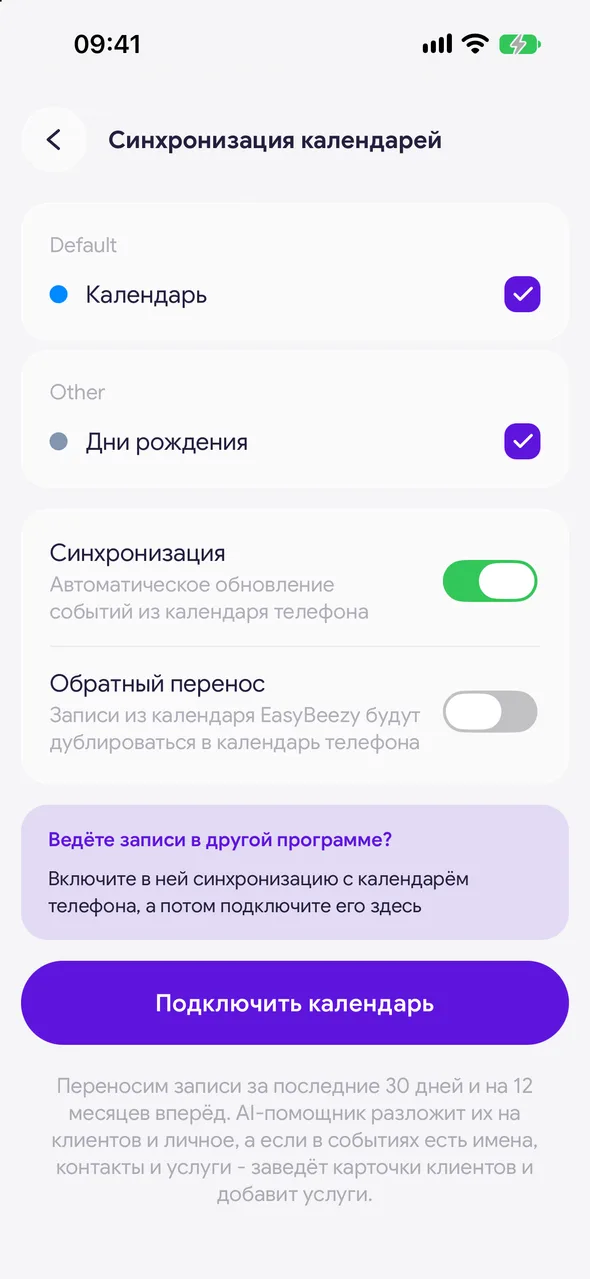
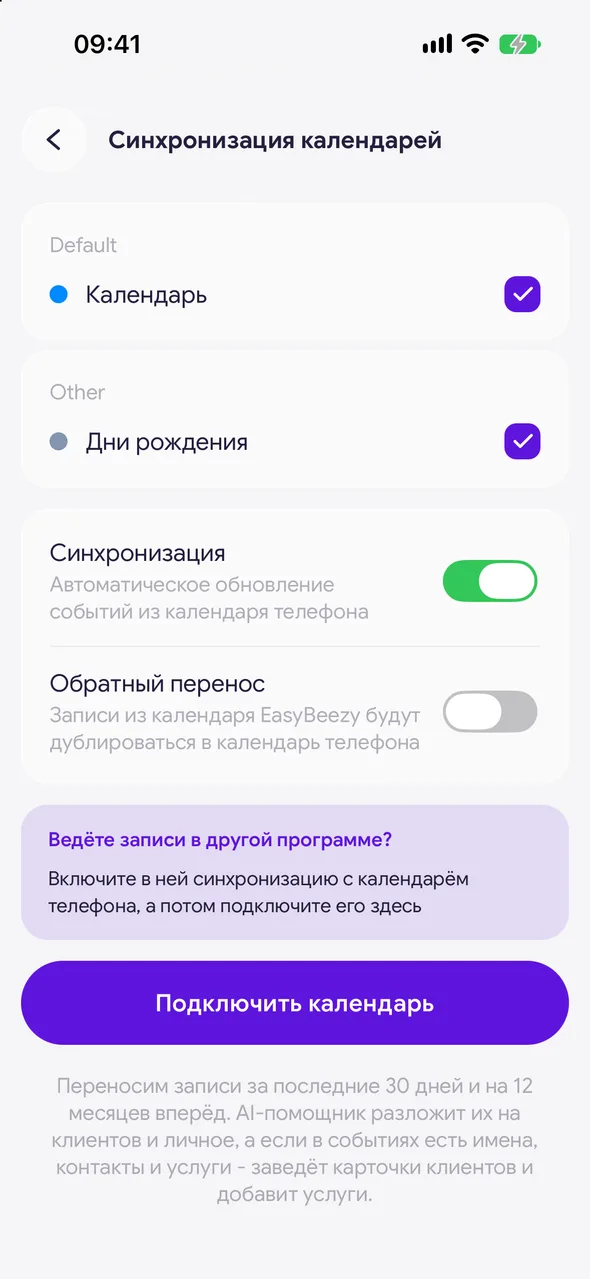
Calendars are grouped by account: iCloud, Google and others. All are selected at first - untick the ones you do not need to import.
- 03
Turn on both directions
«Sync» - Automatically update events from your phone calendar. «Reverse sync» - Bookings from EasyBeezy will be copied to your phone calendar.
- 04
Import appointments
Tap «Connect calendar». Do not close the app while the import is running. At the end you will see «Transfer complete» and a summary: how many became visits, how many became personal time, and how many clients and services were created.
Good to know
We bring over bookings from the last 30 days and the next 12 months. The AI assistant sorts them into clients and personal time, and if events include names, contacts and services, it creates client cards and adds the services.
Importing history for the past 12 months is available on the PRO plan - the summary screen has a «Bring over last year’s history» link.
Keep records in another program? Turn on its sync with your phone calendar, then connect that calendar here.
Untick a calendar after importing - its events are removed from the app right away.
«Turn off sync» removes imported events and the «EasyBeezy» calendar from your phone. Closed visits stay.
The row appears after you update the app to the latest version from the store.
Questions and answers
FAQ
Can I import appointments from another program?
Yes, if the program can export appointments to your phone calendar. Turn that on in it, then in Easy Beezy open «Settings» - «Calendar sync» and connect that calendar.
Is sync paid?
No, it is free. Only importing history for the past year requires the PRO plan.
Free for a solo master
Try Easy Beezy
Calendar, clients, services and an online booking page - with no time limit. For a salon with a team - 14 days of full access.


