 Easy BeezyApp StoreGoogle PlayRuStoreInstall
Settings and account
How to change your name, photo and specialization
Your first name, last name and specialization are edited on the «Edit profile» screen; your photo is changed by tapping the avatar in your personal profile.
Step by step
- 01
Edit your details
«Profile» - the «More» block - «Edit profile». Update «Name», «Last name» and «Specialization» and tap «Save».
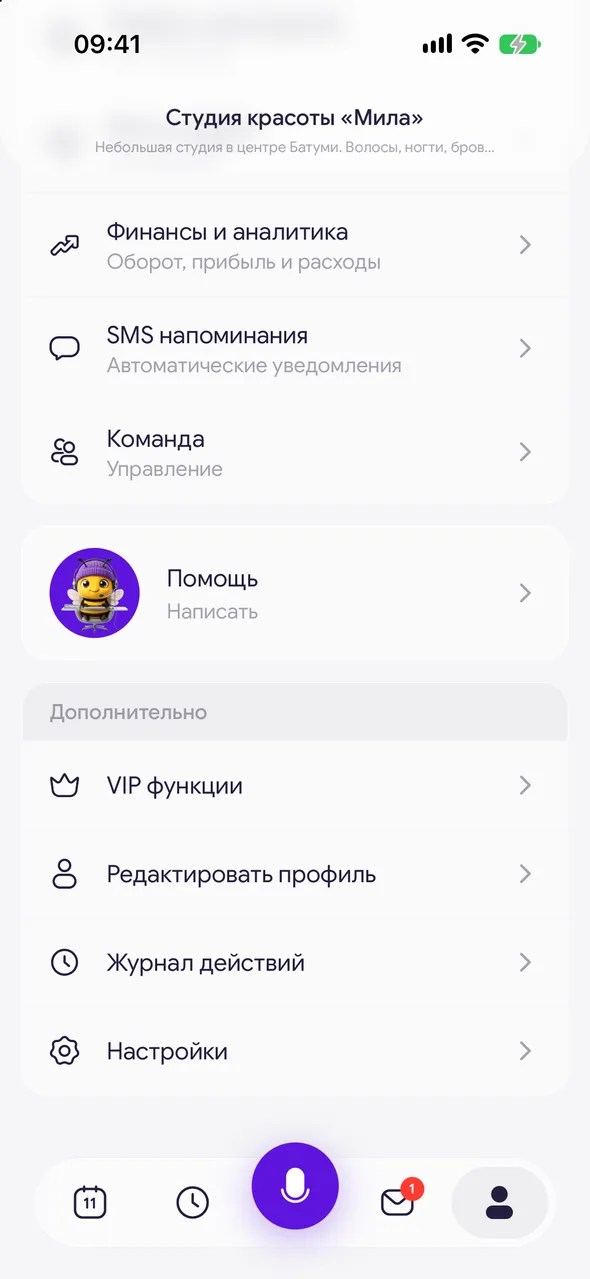
- 02
Open your personal profile
A master working alone taps their name at the top of «Profile». In a salon, tap your card in the «Personal profile» block.
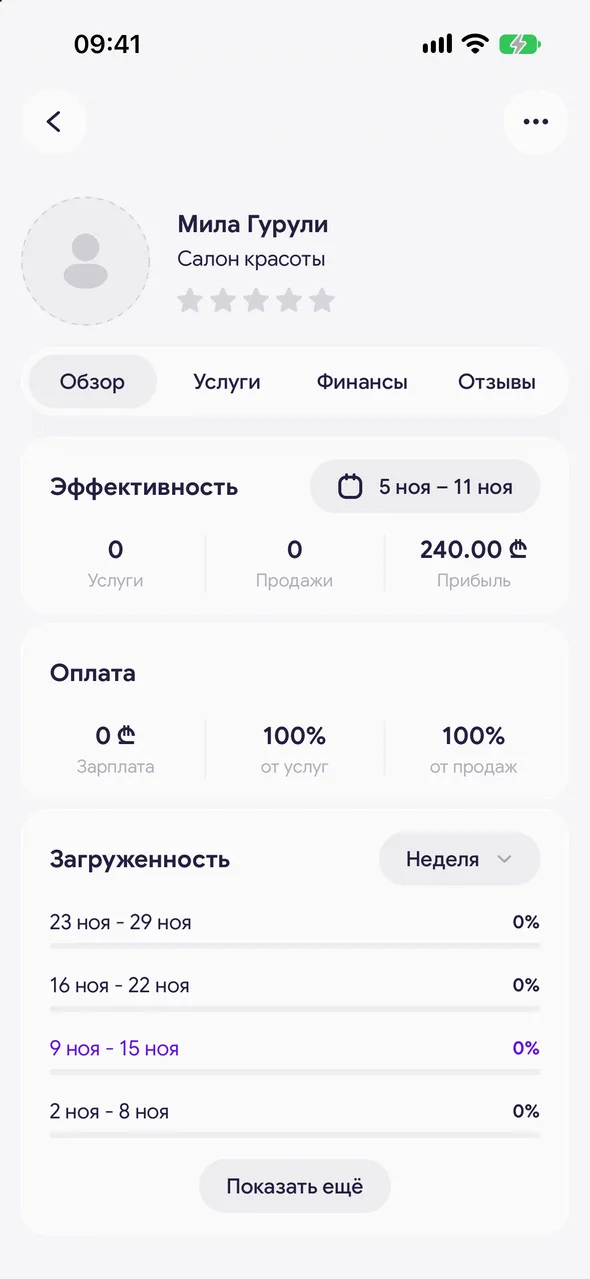
- 03
Add a photo
Tap the avatar and choose a picture from the gallery or take a new one. The photo will be cropped into a circle. To replace the photo, tap the avatar again.
Good to know
The personal profile has the «Overview» and «Reviews» tabs, and for a master in a salon also «Working hours», «Services» and «Finance».
On TEAM, the owner or manager also sees their own pay on the edit screen: «Salary» and percentages. An employee does not change their own pay - it is set by the owner.
The salon name, address and contacts are changed in the online booking page settings.
See also
Free for a solo master
Try Easy Beezy
Calendar, clients, services and an online booking page - with no time limit. For a salon with a team - 14 days of full access.


