 Easy BeezyApp StoreGoogle PlayRuStoreInstall
Reminders and messages
How to tell a client about a rescheduled or cancelled appointment
If you moved or cancelled a visit, the client needs to know. Such appointments are collected in the "Rescheduled appointment" and "Cancelled appointment" sections.
Step by step
- 01
Right after rescheduling
When you change the date or time of an appointment, a hint with a "Tell the client" button appears at the bottom. Tap it - the text with the new time is already prepared.
- 02
Reschedules
Or open "Reminders" - "Rescheduled booking". Appointments are grouped by the day they were rescheduled, and each row shows the new visit date.
- 03
Cancellations
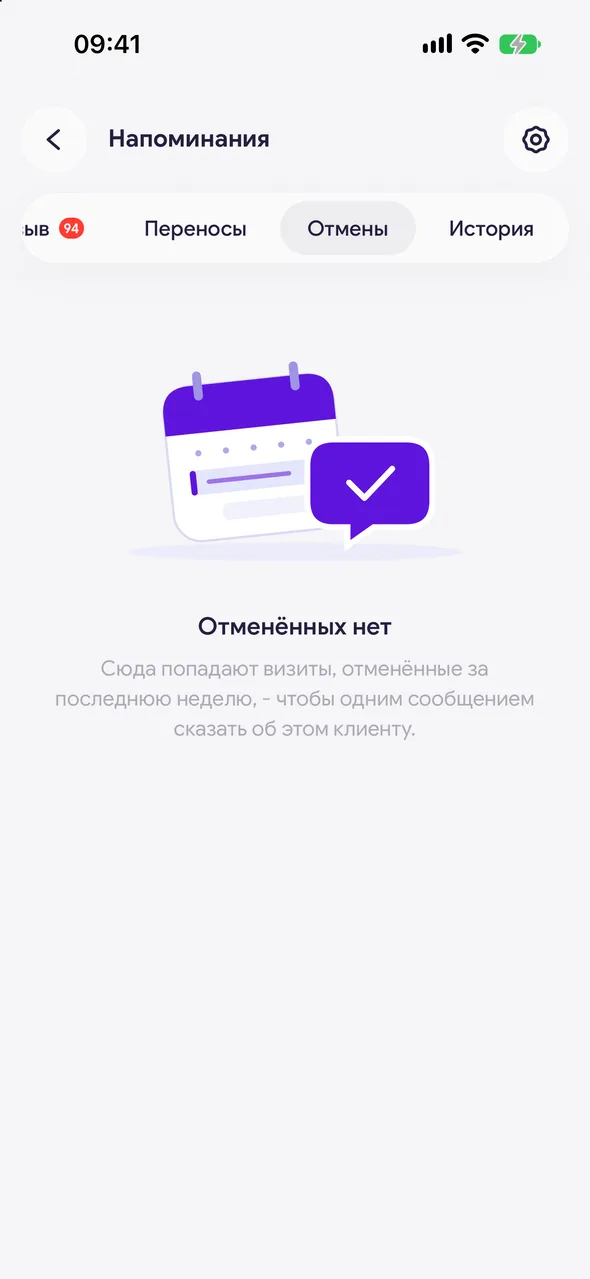
In the "Cancelled booking" section you'll see visits cancelled over the past week. Tap the client, send the message and mark it as sent - the row will move to the history.
Good to know
The counts for these sections are not included in the overall "Reminders" counter: you don't always need to notify about a reschedule or cancellation.
The texts are the "Booking moved" and "Booking cancelled" templates in "Reminder settings".
See also
Free for a solo master
Try Easy Beezy
Calendar, clients, services and an online booking page - with no time limit. For a salon with a team - 14 days of full access.


