 Easy BeezyApp StoreGoogle PlayRuStoreInstall
Reminders and messages
How to see who has already been messaged
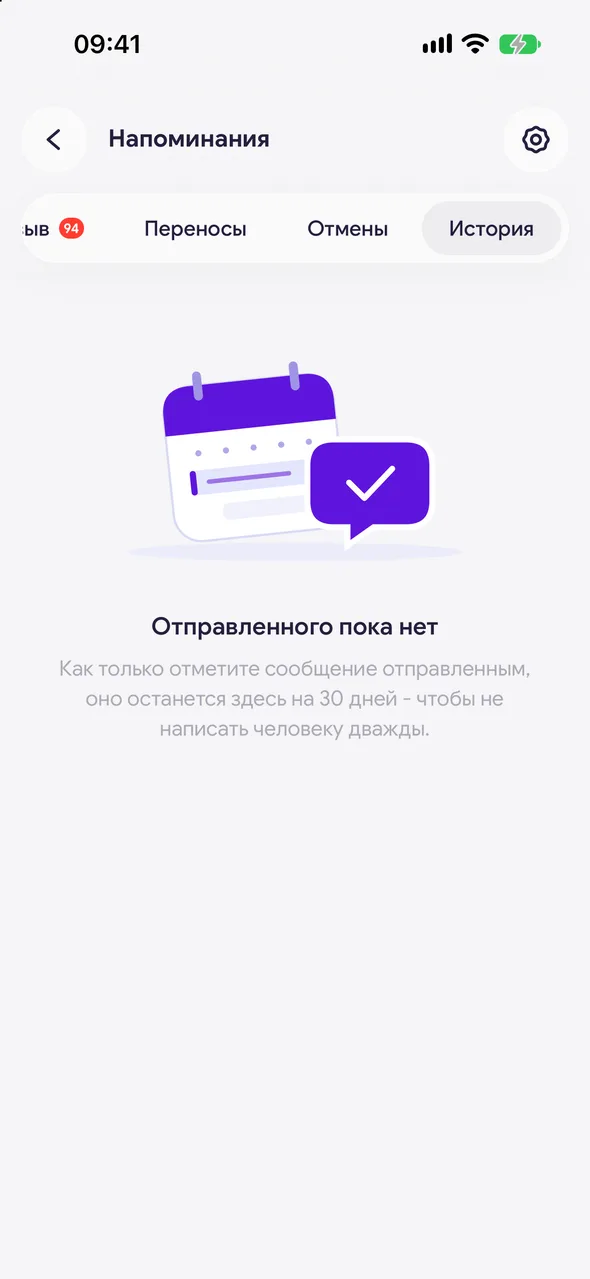
The history keeps everything you marked as sent or dismissed with a cross for 30 days - so you never message the same person twice.
Step by step
- 01
Open the section
In the «Reminders» section, tap the clock icon in the top right of the header. Messages are grouped by the day they were sent, and each has a coloured label showing its type: confirmation, about the visit, time to book, review, cancellation.
- 02
Open a message
Tap a row - the same message the client received will open. There you can see when it was marked as sent.
Good to know
Messages that were sent but not marked do not appear in the history - mark them as sent straight away.
See also
Free for a solo master
Try Easy Beezy
Calendar, clients, services and an online booking page - with no time limit. For a salon with a team - 14 days of full access.


