 Easy BeezyApp StoreGoogle PlayRuStoreInstall
Reminders and messages
How to wish a client a happy birthday
Enter the date of birth in the client card - and around their birthday the client will appear in the "Birthday" section with a ready-made greeting.
Step by step
- 01
Enter the date
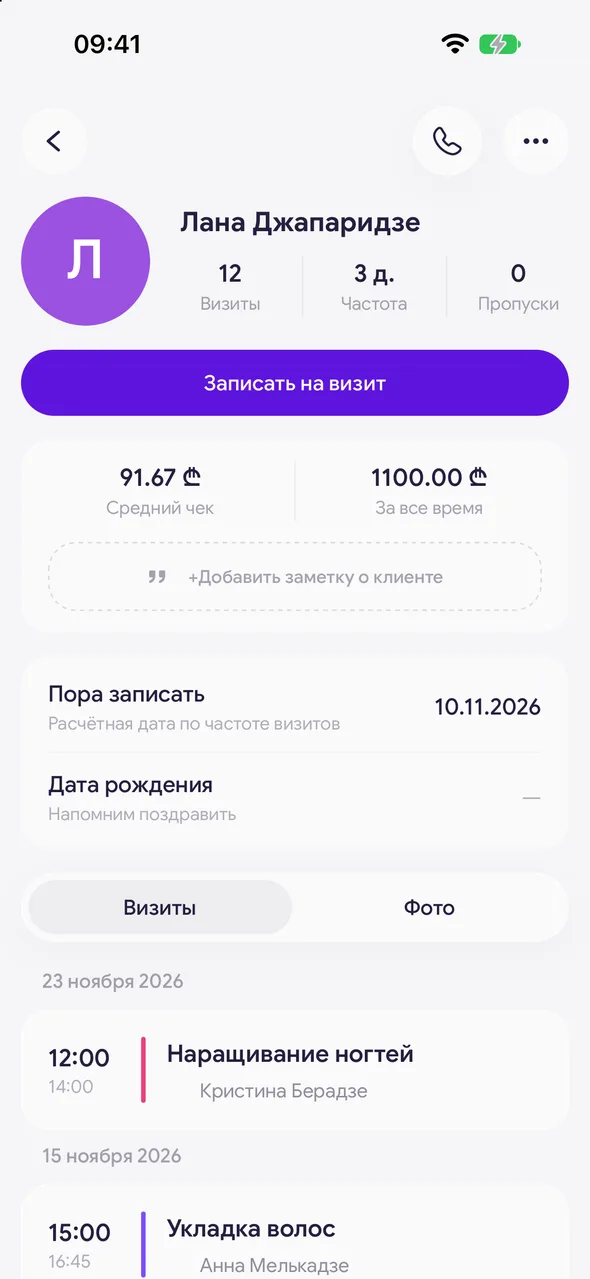
In the client card, tap the "Date of birth" row and pick the day. The year is optional.
- 02
Open the section
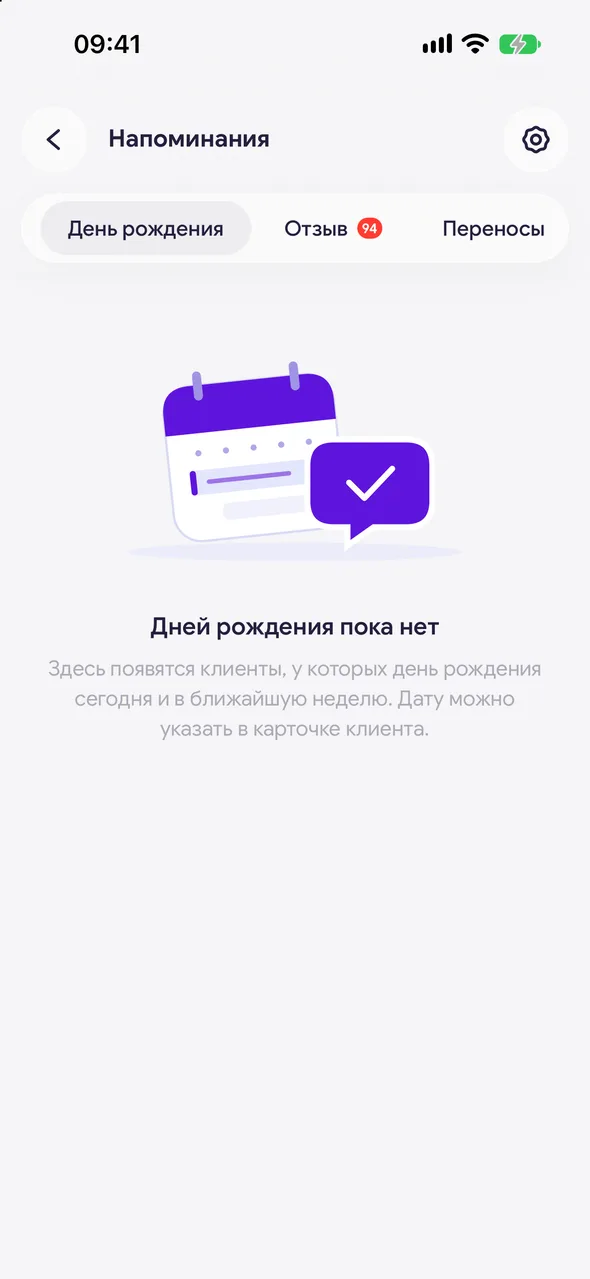
"Reminders" - "Birthday". Here you'll see clients whose birthday is coming up or has recently passed. How many days before and after to show is set in the "Range around the birthday" row above the list, one week before by default.
- 03
Send your wishes
Tap the client, choose a messenger, send the message and mark it as sent.
Good to know
You can enter a date of birth in the client card without a plan; sending greetings from the section is available on PRO.
The date of birth is also loaded from a file during import - the "Date of birth" column.
The greeting text is the "Birthday" template in "Reminder settings".
See also
Free for a solo master
Try Easy Beezy
Calendar, clients, services and an online booking page - with no time limit. For a salon with a team - 14 days of full access.


