 Easy BeezyApp StoreGoogle PlayRuStoreInstall
Bookings
How to create a recurring booking and delete a series
You can set a regular client, your own recurring commitment or a meeting to repeat right away - in the booking form or by voice.
Step by step
- 01
Turn on repeat in the form
When creating a client booking, a personal event or a meeting, tap the «Do not repeat» row before the comment. Choose «Every day», «Every week», «Every month» or «Every year» - and save the booking.
- 02
Custom interval and end
«Custom…» - repeat every few days, weeks, months or years. At the bottom choose «Ends»: «Never», «Until a date» or «Number of times». Tap «Done».
- 03
Or pick days on the calendar
«Pick days on the calendar» - select the days you need and tap «Done». The first selected day becomes the booking date. A separate copy of the booking is created for each day. If some day is busy, the app will tell you which days the booking was not created for.
- 04
Or say it by voice
Tap the microphone («Voice input») in the center of the bottom bar and say, for example: "Book Olga for a manicure every Tuesday at 11:00 for two months". A list of the series bookings will open - check it and tap «Confirm».
- 05
Change or delete a repeat
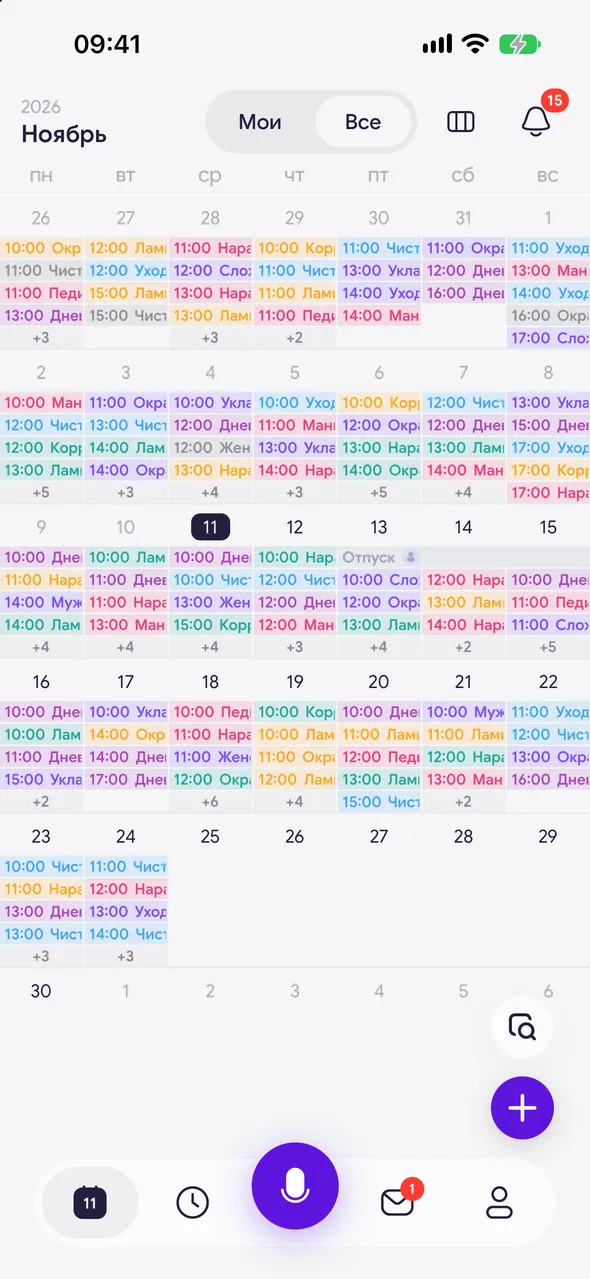
Open any booking in the series. When you save changes or delete it, the app will ask: «Only this one» or «This and following».
Good to know
Repeat can only be set on a new booking. An existing entry has no repeat.
A series with no end can be stopped: delete the booking from the day you need using «This and following».
Copies created by picking days on the calendar are not linked into a series: each one is edited and deleted separately.
By voice: if no end date is given, the series is set for one month ahead; a separate series is created for each weekday you name.
20 voice requests per month are available for free, and unlimited on the PRO plan.
See also
Free for a solo master
Try Easy Beezy
Calendar, clients, services and an online booking page - with no time limit. For a salon with a team - 14 days of full access.


