 Easy BeezyApp StoreGoogle PlayRuStoreInstall
AI administrator
How to read the assistant's chats and reply yourself
All client dialogues with the assistant are collected in the app. You can step into any of them and reply yourself.
Step by step
- 01
Open messages
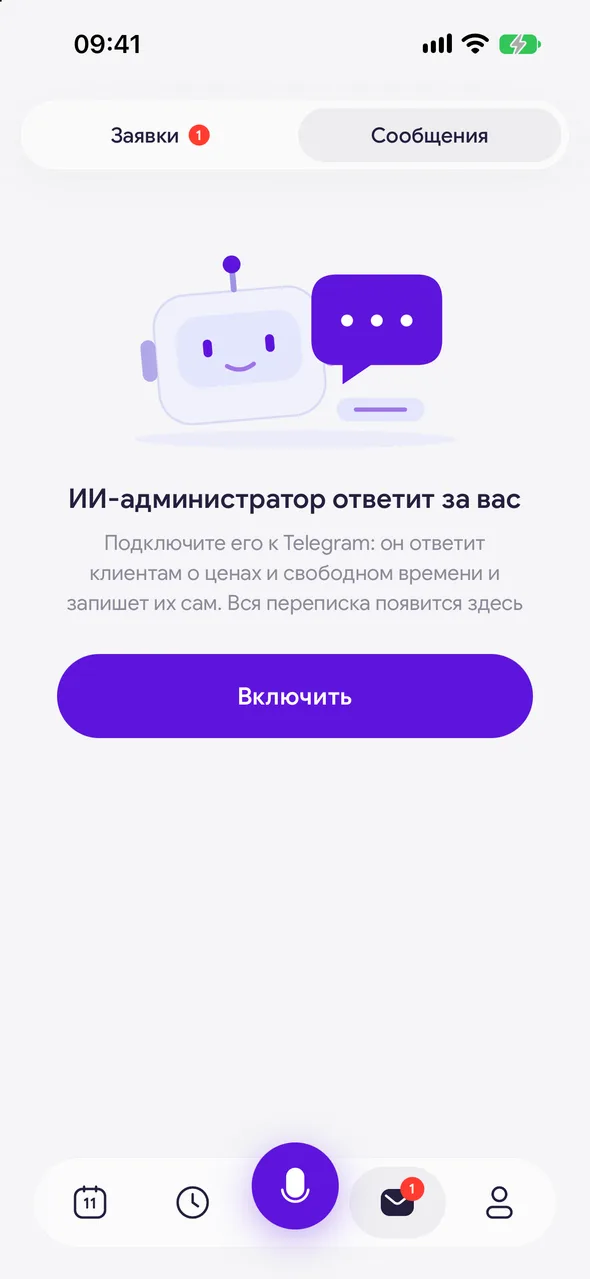
The «Requests & messages» button on the bottom bar - the «Messages» tab. Unread ones are marked with a dot, and dialogues where you are replying have the «Manual mode» label. The «Mark all as read» button clears all marks.
- 02
Reply yourself
Open the dialogue and write in the «Message…» field. You can attach a photo or video. As soon as you reply, the assistant goes silent in this chat.
- 03
Return the dialogue to the bot
The «Auto-reply (bot)» toggle in the dialogue turns the assistant on or off for this client only. If you do not touch anything, two hours after switching to manual mode the dialogue returns to the bot automatically.
- 04
Book the client
The «Book» button in the dialogue opens a new booking with the client already filled in.
Good to know
You can edit or delete your message for the client: long press - «Edit» or «Delete».
The «Auto-reply (bot)» toggle is visible only when the assistant is enabled in «Mode».
A message you send from Telegram itself also switches the dialogue to manual mode.
Questions and answers
FAQ
The assistant interrupts me in the chat.
As soon as you write to the client yourself, the assistant goes silent in this chat for about two hours. To keep it silent longer, turn off «Auto-reply (bot)» in the dialogue and do not forget to turn it back on.
See also
Free for a solo master
Try Easy Beezy
Calendar, clients, services and an online booking page - with no time limit. For a salon with a team - 14 days of full access.


