 Easy BeezyApp StoreGoogle PlayRuStoreInstall
Reminders and messages
How to check whether an SMS reached the client
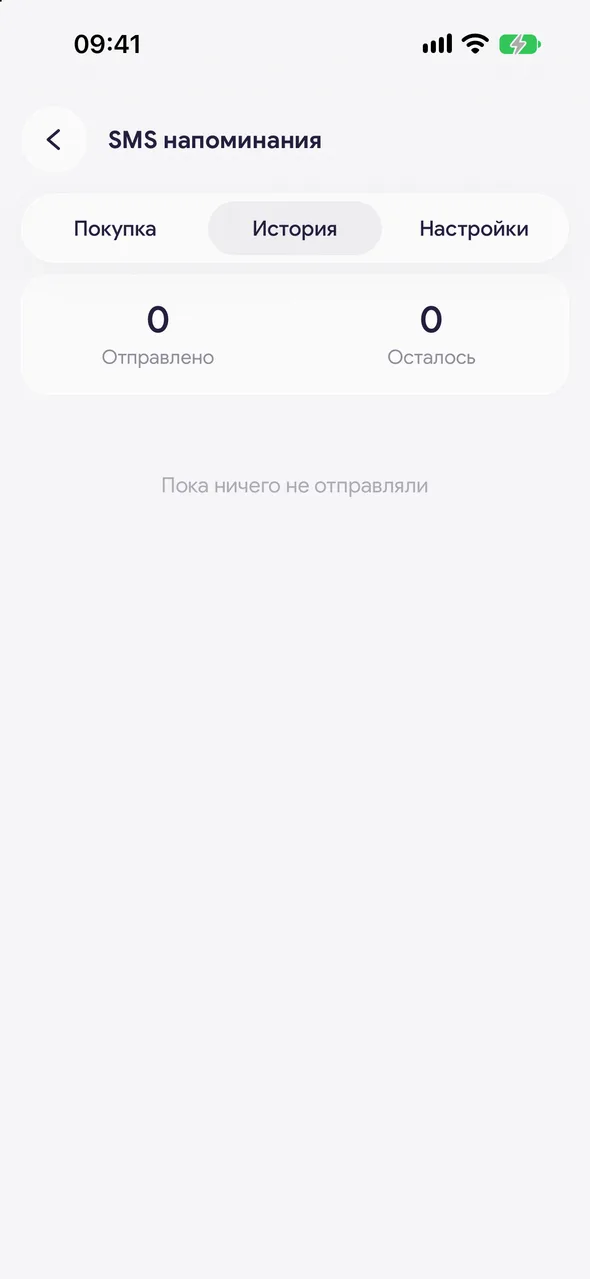
The History tab in the SMS section shows every message: to whom, which one, when it was delivered or why it did not go out.
Step by step
- 01
Open the history
«Automatic notifications» - the «History» tab. At the top there are two numbers: «Sent» and «Left».
- 02
Find the message
In the list you will see the client, the message type, the text, how many SMS it took, and the status: the delivery time or «Failed».
Good to know
For a message that did not go out, the SMS is returned to your balance.
Questions and answers
FAQ
The client says the SMS did not arrive
Open «SMS reminders» - «History» and find the client. If it says «Did not go out», check the number in the client card and make sure SMS are not turned off for that client.
See also
Free for a solo master
Try Easy Beezy
Calendar, clients, services and an online booking page - with no time limit. For a salon with a team - 14 days of full access.


