 Easy BeezyApp StoreGoogle PlayRuStoreInstall
Bookings
How to create a shared event for the whole team
A meeting, training or salon cleaning - one event is added to every employee's calendar at once.
Step by step
- 01
Open "Shared"
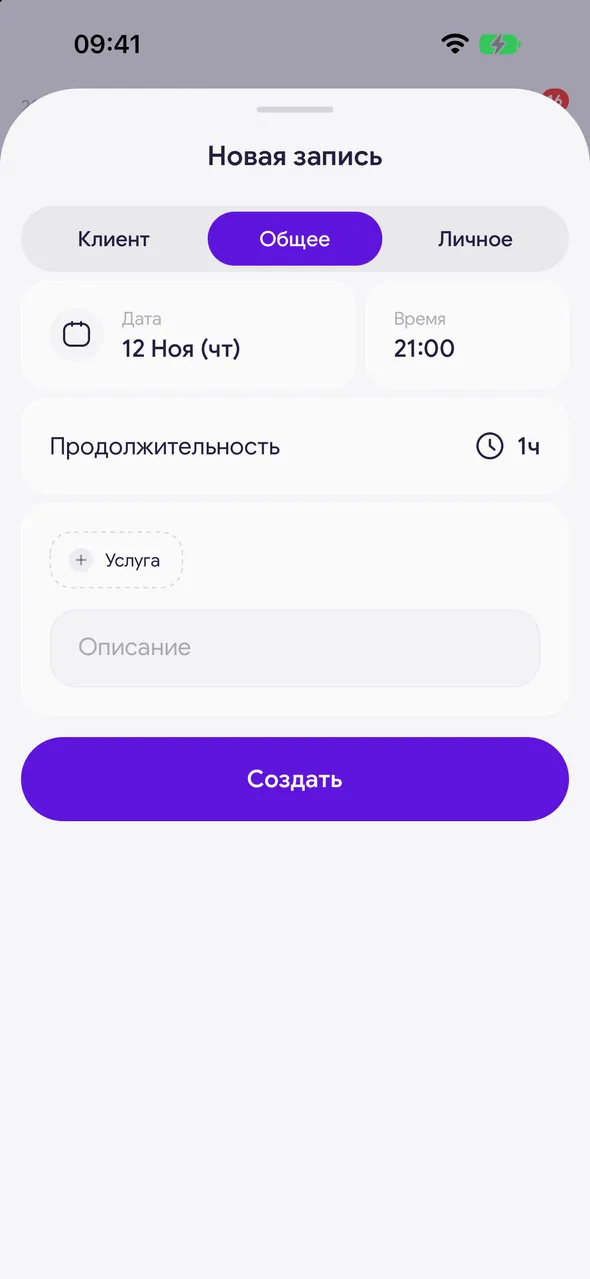
Tap "+" and at the top of the window choose «General».
- 02
Fill in and save
Enter «Description», choose the date, time and duration and tap «Create». The event will appear for all active employees.
Good to know
!
The tab is not available to a master without a team or to an employee without permission to book others.
!
A shared event can also be set outside working hours - the schedule does not restrict it.
Free for a solo master
Try Easy Beezy
Calendar, clients, services and an online booking page - with no time limit. For a salon with a team - 14 days of full access.


