 Easy BeezyApp StoreGoogle PlayRuStoreInstall
Bookings
How to see who created and changed an appointment
The appointment's action log shows who created it, what was changed and when, who cancelled it and why.
Step by step
- 01
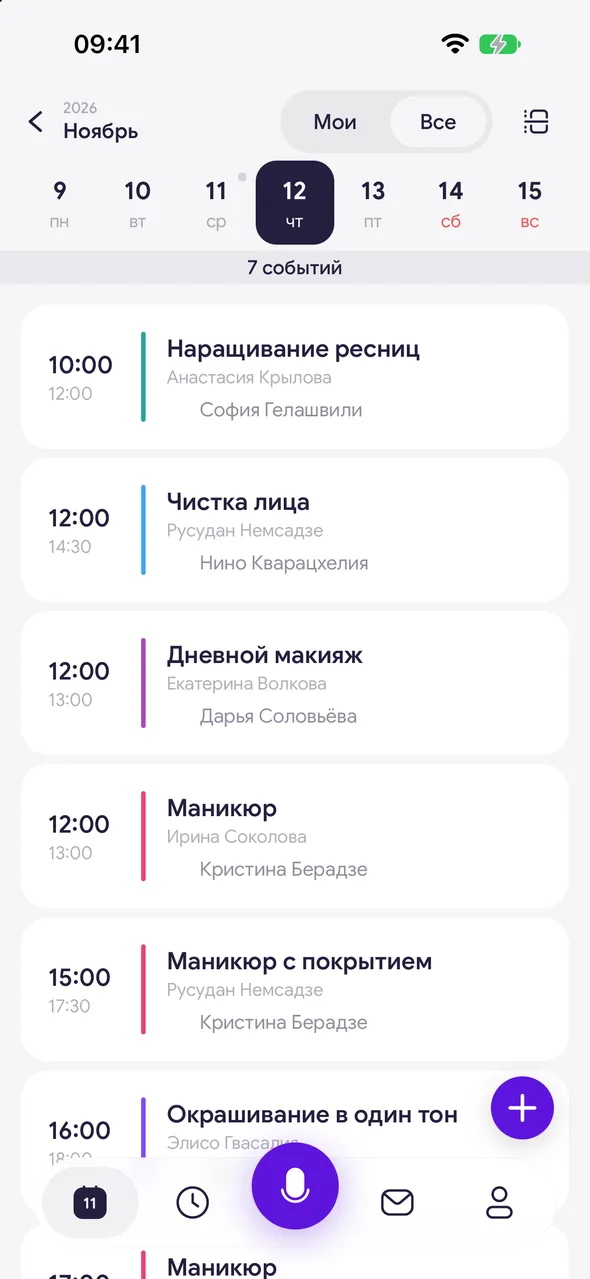
Open the day as a list
Open the day where the appointment is scheduled in list view.
- 02
Open the log
Tap «⋯» on the appointment card and select «Activity log».
Good to know
!
The log is only available for client appointments - personal events and days off do not have one.
Free for a solo master
Try Easy Beezy
Calendar, clients, services and an online booking page - with no time limit. For a salon with a team - 14 days of full access.


