 Easy BeezyApp StoreGoogle PlayRuStoreInstall
Bookings
How to leave a comment on an appointment
Comments on an appointment are the team's conversation about the visit: what to consider, what to buy, what the client warned about.
Step by step
- 01
Open comments
On the appointment card, tap the «Comments» icon. Next to it is the number of comments.
- 02
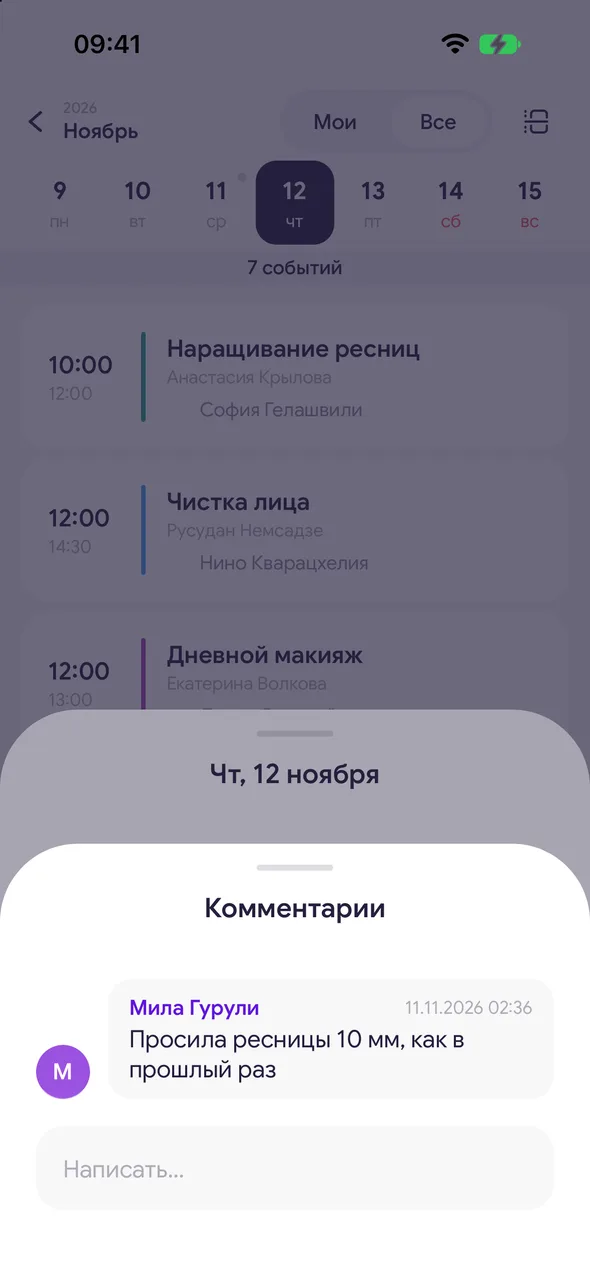
Write
Enter text in the «Write…» field and send.
- 03
Edit or delete
Press and hold your comment and select «Edit» or «Delete».
Good to know
!
A comment when creating an appointment is a field in the appointment itself. Comments on the card can be added at any time, and they are visible to everyone who can see the appointment.
Free for a solo master
Try Easy Beezy
Calendar, clients, services and an online booking page - with no time limit. For a salon with a team - 14 days of full access.


